
How to Find Leeches in How to Fish
Find the three Island 2 leeches, confirm the quest is active, and use safe checks when ground spawns do not appear before the next boss objective.
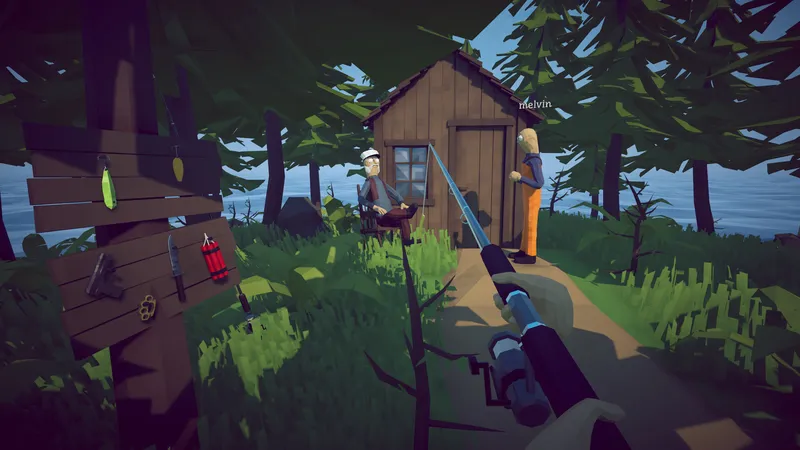
Find the three Island 2 leeches, confirm the quest is active, and use safe checks when ground spawns do not appear before the next boss objective.
DIRECT ANSWER
Speak with the woman on Island 2 and continue the conversation until the active objective clearly asks for three leeches. Community reports indicate that searching before the dialogue fully finishes can make an inactive quest look like a missing spawn.
The quest dialogue and player reports point to ground spawns on the second island. Sweep the nearby terrain methodically and check each visible object rather than relying on a radar marker, because players report that co-op teammates can also appear as red dots.
If the objective is active but no leeches are visible, finish the dialogue again, confirm the game is current, and reload the latest save from the normal menu. This is a community-reported workaround, not an official repair, so preserve the save and avoid deleting files or installing third-party tools.
After collecting three leeches, return to the woman and wait for the objective text to advance. Use the Giant Piranha guide only after the leech hand-in is complete; this prevents a quest-state problem from being mistaken for a boss or island-navigation problem.
The leech search begins on the second island after the woman’s conversation reaches the objective that requests three leeches. Treat that objective text as the activation check. If the conversation is still offering context or the requested count is not visible, continue the dialogue before searching. This distinction matters because community reports describe players walking the island before the task was fully active and then interpreting an empty area as a spawn bug.
Once the request is visible, search the ground around the quest area in a consistent pattern. Start close to the woman and nearby structures, then widen the loop without repeatedly crossing the same patch. Leeches are described as ground spawns rather than fish that must be caught with a rod. Look at the terrain and interactable objects instead of searching the water. Keep the active objective visible when possible so a completed pickup or count change is not missed.
Multiple Steam discussions report the same symptom: the three-leech objective is active, but no leeches can be found. Some players say finishing the woman’s dialogue caused new spawns to appear. Others completed the conversation and still saw nothing. That conflict means the dialogue check is a useful first step, not a guaranteed repair. The guide keeps both outcomes visible rather than turning one successful comment into a universal rule.
A second community report says reloading the latest save caused the leeches to appear again after they stopped spawning. Use only the normal in-game menu for this check, preserve the existing save, and confirm the current game update is installed first. Do not delete the save, replace files, or use third-party tools. If a normal reload does not change the result, record the current version, host or guest role, active objective and exact area searched for the developer-linked community.
One player suggested that an island radar might show a red dot for a leech, while another reported that the visible dot was actually a co-op teammate. Because the evidence conflicts, radar should not be presented as the required solution. Use it only as an optional observation and verify any marker directly on the ground. A page that promises every red dot is a leech would send co-op players toward false targets and fail the narrow question this guide is meant to answer.
Co-op groups should split the search area while staying close enough to compare objective counts. State who picked up each leech and check whether the count updates for the lobby. If host and guests see different objects or counts, stop expanding the search and record the difference. That is more useful evidence than continuing to circle the island. A synchronization symptom belongs in a support report, while an inactive objective belongs in the dialogue and progression checks above.
After the group has three leeches, return to the woman and complete the hand-in before preparing the next encounter. Wait until the objective text visibly advances. Carrying the correct count without completing the interaction can make the route appear blocked even though the search itself is finished. In co-op, bring the player holding the items to the objective and compare the host and guest state after the hand-in.
The next problem may be combat or travel, but it is no longer a leech-location question. Open the Giant Piranha page for arena and added-enemy strategy, or the Islands and Walkthrough pages for route order. This separation prevents one page from competing for several different search intents. The leech guide remains responsible for one outcome: activating the Island 2 request, locating three ground spawns, checking the reported missing-spawn symptom safely, and confirming the hand-in.
They are part of an Island 2 objective and are reported to appear on the ground near the quest area after the woman’s dialogue is completed.
First confirm the three-leech objective is active. Players report that completing the dialogue and reloading the latest save may refresh missing spawns, but no universal official fix has been published.
Do not rely on it as the only check. One community suggestion mentioned radar dots, while another player found the dot represented a co-op teammate instead.
REFERENCE RECORD